My colleagues have a half moon symbol at the top right of their dashboard, enabling them to switch between dark and light mode. I have no such button-symbol visible, how can I enable it? I’m on Content Studio 6.0.4…
The switcher you are referring to was supposed to be used only by us internally here in Enonic, while we were developing the new Content Studio. We forgot to remove it by the 6.0 release, so it was removed in a future version (6.0.4).
The reason it was removed is that there will be more more apps using the same UI and all of them are supposed to be in the same mode to look consistent. That’s why the mode will be determined by your browser settings.
In the future we might add a common config setting which will set theme for all the Enonic apps, but it won’t be in Content Studio.
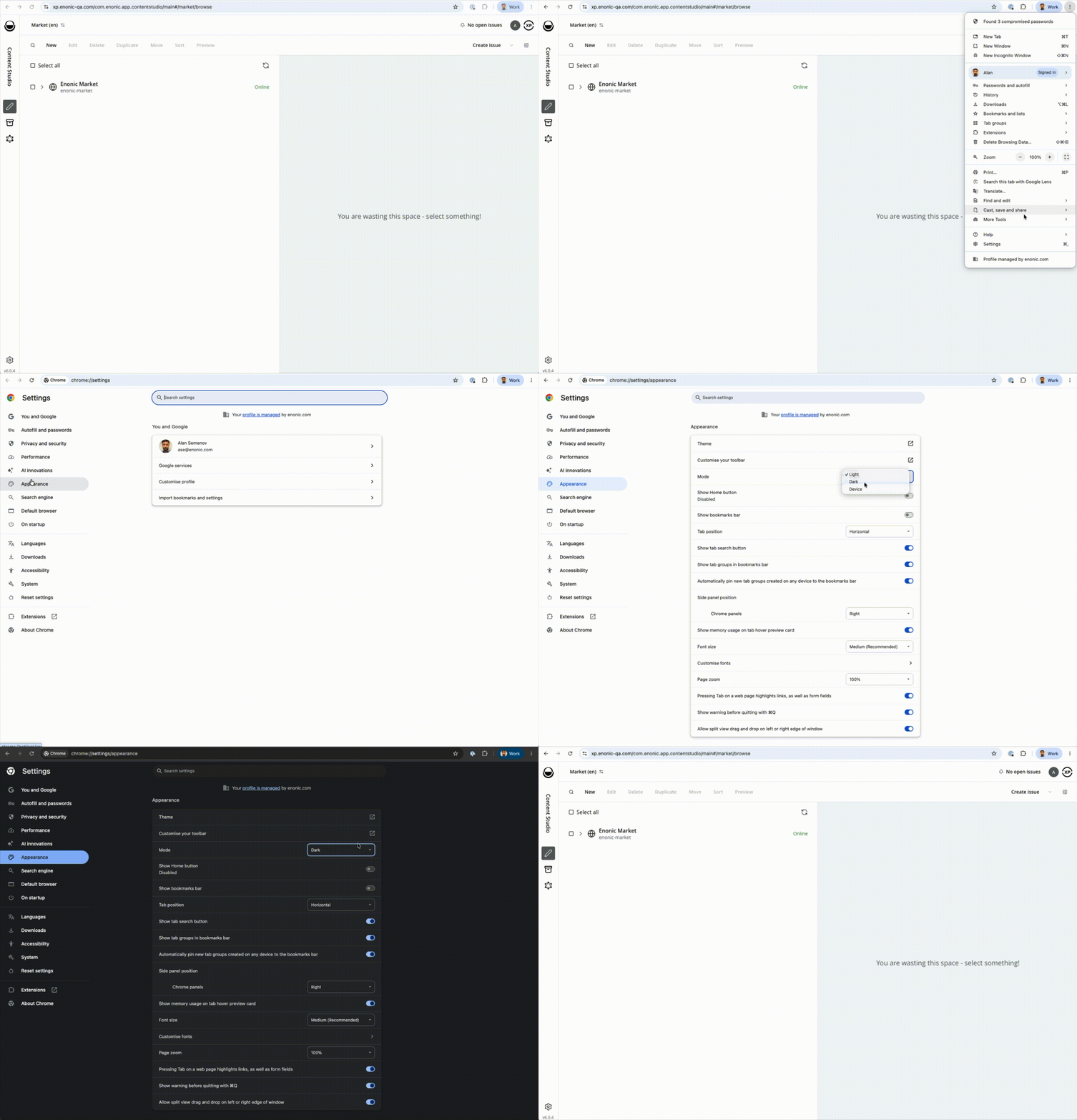
Are you sure you are not mixing up system (your OS) theme and browser mode settings? I’ve just tested it by switching mode in Chrome and it works fine - see the attached video:
Quite sure, yes. I tried exactly the same as you show here, and it changes the appearance of the browser on a whole, toggling between dark and light mode, but it has no effect on Content Studio or Dashboard, it just stays in dark mode, regardless. Weird. But probably something to do with my system.
I’m guessing at bit here - but can it be that the button was removed, but that the UI still reads and uses the value? So if you “forced” dark mode before - it is now pinned?
If it exists, the value can be seen from browser storage.
 I know my colleagues agrees!