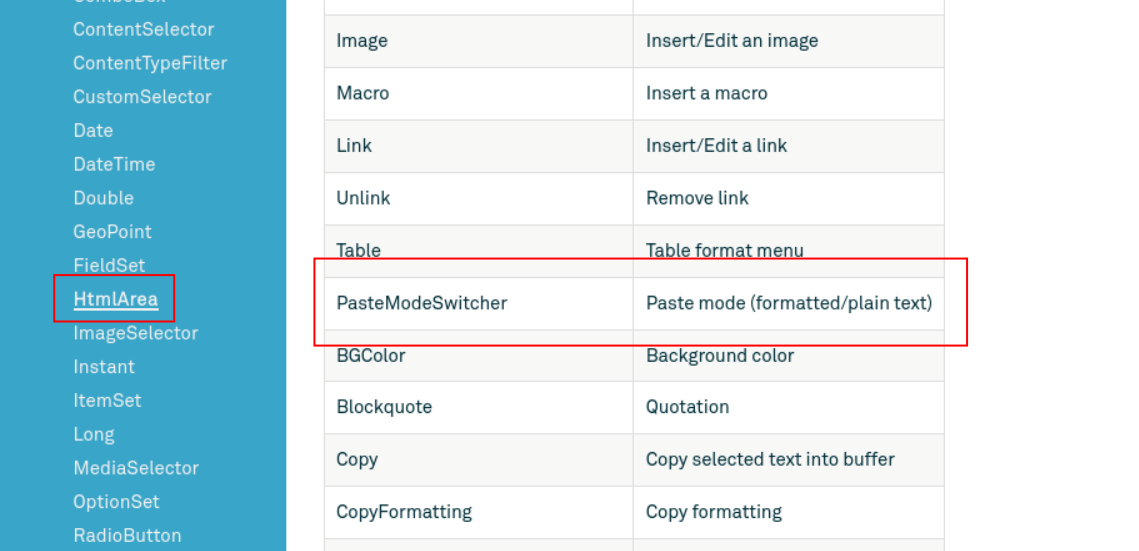
Feature request: set “plain text” as default mode (no switcher)
Problem:
Some times content creators mess up their own content by copying and pasting from other applications (like Word).
Solution:
Remove all formatting when pasting into an HtmlArea. Can we get a way to set “plain text” as the default mode, and not show the PasteModeSwitcher to the content creator?
HTML-comments are not removed from the markup in the HtmlArea when it washes the content. I’ve seen a lot of instructions from Figma (in HTML comments) end up online in production.
Remove all formatting when pasting into an HtmlArea. Can we get a way to set “plain text” as the default mode, and not show the PasteModeSwitcher to the content creator?
We’ll register this as a feature request although for a better followup I suggest you register this via support desk or as an issue in the feature request repository.
Not sure if this will help with your case, but “Cmd-Shift-V” will always paste in text in plain mode, regardless of currently selected paste mode.
HTML-comments are not removed from the markup in the HtmlArea when it washes the content. I’ve seen a lot of instructions from Figma (in HTML comments) end up online in production.
This looks more like a bug to me, comments should always be stripped. We’ll investigate if there’s an easy way to fix this.