This is something you can have already now  (but I can see it’s not in our docs)
-
Configure your HtmlArea input type to include a plugin called “
ListStyle” -
Deploy the app
-
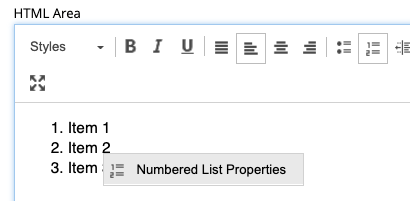
Add a numbered list to your HtmlArea
-
Right-click the list and select “Numbered List Properties” from the context menu
-
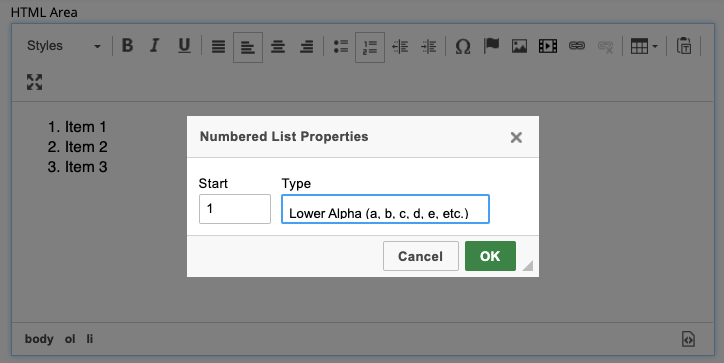
Select “Lower Alpha” from the list of options
-
Press OK
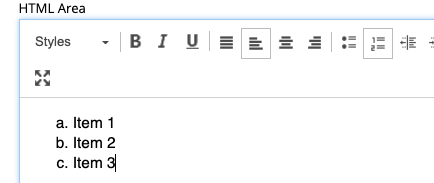
You cannot have it like “a) b)” though, only “a. b.”